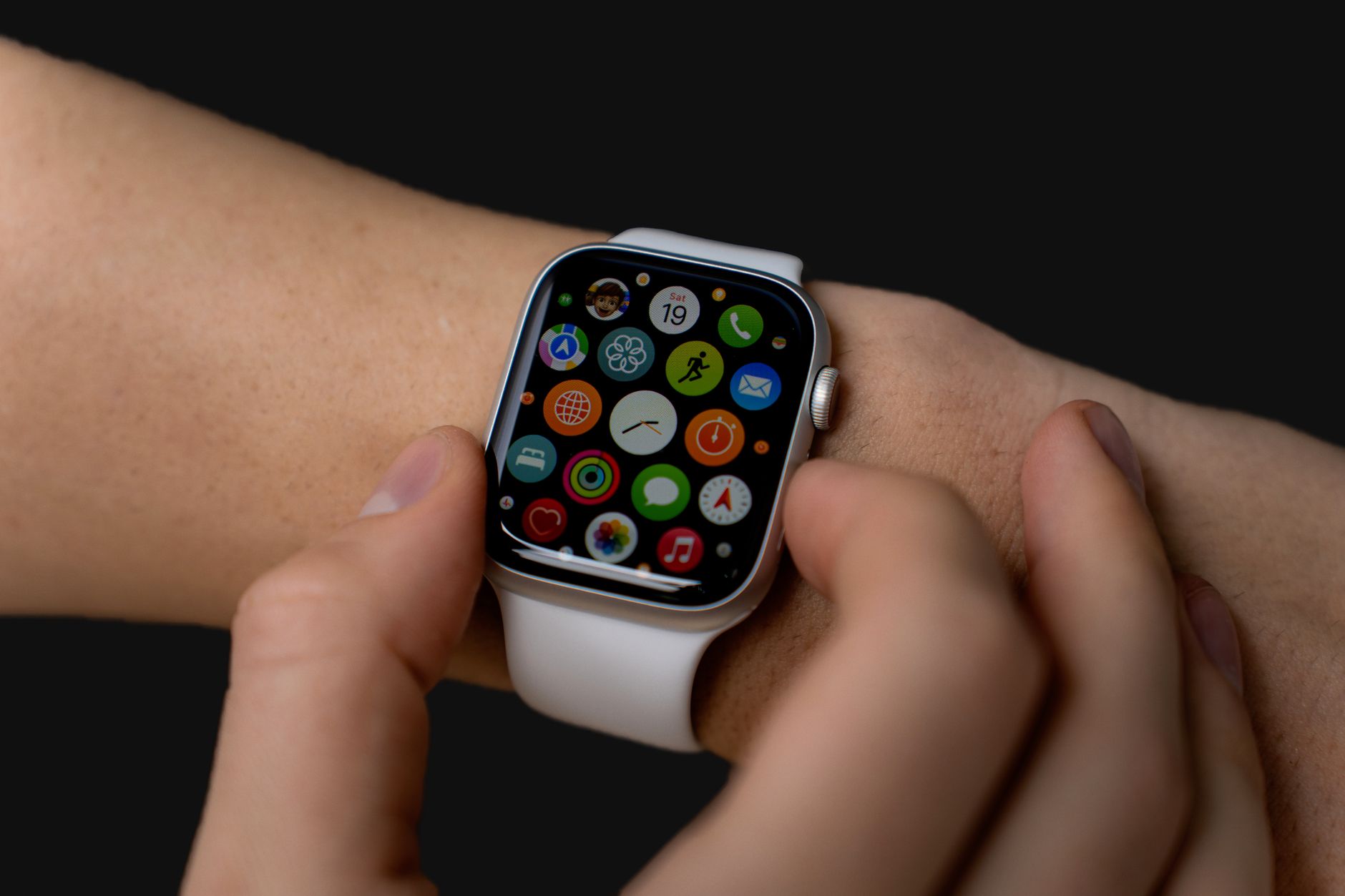
The watchOS 27.2 beta brings significant improvements to the Health app, enhancing its testing capabilities and user features.
What’s New in watchOS 27.2 Beta?
Apple has recently released the second watchOS 27.2 beta, introducing a variety of enhancements and features aimed at improving user experience, particularly within the Health app. This update comes as part of Apple’s ongoing commitment to health and wellness technologies, ensuring that users have access to the best tools for monitoring their health.
Some of the most notable changes in this beta version include:
- Improved Health Metrics: Users can now track more detailed health metrics, helping them understand their fitness levels more effectively.
- Streamlined User Interface: The Health app has undergone a redesign to provide a more intuitive layout, making navigation easier and more user-friendly.
- New Workouts: The update introduces additional workout options, allowing users to log a wider variety of physical activities.
- Enhanced Notifications: Notifications regarding health milestones and reminders have been optimized for better engagement and usability.
These improvements are significant, as they not only enhance the functionality of the Health app but also encourage users to become more proactive in managing their health. With the watchOS 27.2 beta, Apple continues to prioritize health and fitness, reinforcing its position at the forefront of wearable technology.
How to Install the Latest Beta
To install the latest watchOS 27.2 beta, follow these straightforward steps to ensure a smooth process. This beta version introduces exciting features, particularly for the Health app, and participating in the beta program allows users to experience these updates early.
- Enroll in the Apple Developer Program: Visit the Apple Developer website and sign in with your Apple ID. If you do not have an account, you may need to create one, which might require a subscription fee.
- Back Up Your Apple Watch: Before installing any beta software, it is crucial to back up your device. Use the paired iPhone to ensure that all health data and settings are saved.
- Download the Configuration Profile: Once enrolled, navigate to the “Downloads” section of the Developer website to find the watchOS beta profile. Download and install it on your paired iPhone.
- Install the Update: Open the Watch app on your iPhone, go to “General,” then “Software Update.” You should see the watchOS 27.2 beta available for download. Follow the prompts to install it on your Apple Watch.
Keep in mind that beta software may contain bugs, so it is advisable to install it on a secondary device if possible, to avoid any critical issues with your primary watch.
Key Features of the Health App
The latest update, watchOS 27.2 beta, brings several key features to the Health app, enhancing user experience and providing better health tracking capabilities. Users can expect improvements that focus on both functionality and usability.
- Streamlined User Interface: The Health app now features a more intuitive layout, making it easier for users to navigate through their health data. This update prioritizes accessibility, ensuring that all users can efficiently access their health metrics.
- Enhanced Activity Tracking: With the new update, users can track their daily activities more accurately. Enhanced algorithms provide better insights into users’ fitness levels and activity trends over time.
- Sleep Tracking Improvements: The sleep tracking function has been refined to offer deeper analysis. Users will receive more comprehensive data about their sleep patterns, which can help in making informed decisions for better rest.
- New Health Metrics: The watchOS 27.2 beta introduces additional health metrics that allow users to monitor factors such as hydration levels and stress management. These metrics aim to provide a holistic view of personal health.
These features signify Apple’s commitment to improving the Health app, making it an essential tool for users looking to enhance their wellness journey.
User Feedback on watchOS 27.2
User feedback on the watchOS 27.2 beta has been overwhelmingly positive, with many users appreciating the enhancements made to the Health app. Early adopters have reported significant improvements in usability and functionality, making it easier to track fitness metrics and health data.
Many users have highlighted several key aspects of the update:
- Improved User Interface: The updated design simplifies navigation, allowing users to access their health data more intuitively.
- Enhanced Data Accuracy: Users have noticed increased precision in tracking workouts and health metrics, making the app more reliable for daily health monitoring.
- New Features: The introduction of new tracking capabilities for sleep and heart rate has been particularly well-received, with users expressing satisfaction over having comprehensive health insights at their fingertips.
However, some users have pointed out minor bugs in the beta version. These issues include occasional crashes and synchronization problems with third-party apps. Apple has acknowledged this feedback and is actively working to resolve these concerns in future updates.
Overall, the watchOS 27.2 beta has set a promising tone for the final release, with many anticipating even more improvements based on user suggestions. The integration of user feedback will be crucial in refining the overall experience for Apple Watch users.
Comparing Beta Versions
As Apple pushes forward with its development of watchOS 27.2 beta, users are keen to understand how it compares to previous beta versions. Each iteration aims to enhance the overall user experience, especially within the Health app, which has become a cornerstone of the watchOS ecosystem.
One of the most notable improvements in watchOS 27.2 beta is its streamlined interface. Users have reported that navigating through health metrics feels more intuitive, allowing for quicker access to vital information. In comparison to earlier beta versions, this update seems to focus more on usability rather than introducing a plethora of new features.
Another aspect worth mentioning is the performance. The second beta release has shown significant enhancements in speed, making it quicker to load health data and sync with paired devices. This is a welcomed change, as prior versions were sometimes sluggish, leading to user frustration.
Moreover, Apple has addressed various bugs reported by users in earlier betas. While some issues persist, the feedback indicates a more stable experience overall. This is crucial for those relying on the Health app for daily tracking and insights.
In summary, watchOS 27.2 beta appears to be a thoughtful evolution, prioritizing user experience and performance over feature bloat, making it a compelling update for Apple Watch users.
Future Updates Expected
As Apple continues to refine its watchOS 27.2 beta, users can anticipate further updates that may enhance the overall functionality of the Health app and other system features. The current beta version has already shown promise, but Apple is known for its iterative improvements based on user feedback and testing outcomes.
Future updates are expected to focus on:
- User Interface Enhancements: Apple may introduce subtle design tweaks to improve usability in the Health app, making it more intuitive for users to access their health metrics.
- Expanded Health Metrics: The company might add new tracking features, enabling users to monitor additional health parameters and providing a more comprehensive overview of their wellness.
- Performance Improvements: With each beta, Apple aims to optimize the performance of the watchOS, ensuring smoother transitions and quicker access to applications.
- Bug Fixes: Addressing any reported bugs is a priority, as stability is crucial for a seamless user experience.
As watchOS 27.2 beta evolves, users can look forward to these enhancements that may arrive in subsequent updates. Staying engaged with the beta program will ensure they benefit from the latest features and improvements designed to enhance their health tracking experience.
Final Thoughts on watchOS 27.2
As we wrap up our exploration of the watchOS 27.2 beta, it’s clear that this update offers significant enhancements, particularly for the Health app. The changes introduced are designed to improve user experience and provide more comprehensive health tracking capabilities. Users have reported that the interface feels more intuitive, making it easier to access vital information and insights.
One of the standout features in this beta version is the streamlined integration with fitness metrics. This allows users to get a clearer picture of their health journey without navigating through complicated menus. With the watchOS 27.2 beta, Apple seems to be focusing on user-centered design, ensuring that even those less tech-savvy can benefit from the advanced features.
Feedback from early adopters has been overwhelmingly positive, with many praising the stability of the update compared to previous beta versions. Additionally, the responsiveness of the Health app during workouts has been noted as a significant improvement. As Apple continues to refine the performance, we can expect even more enhancements in future updates.
In conclusion, the watchOS 27.2 beta represents a thoughtful step forward in health tracking and app functionality. For those looking to enhance their Apple Watch experience, this update is not one to overlook.
Photo by Anastasiya Badun on Pexels